
Lender Email Settings
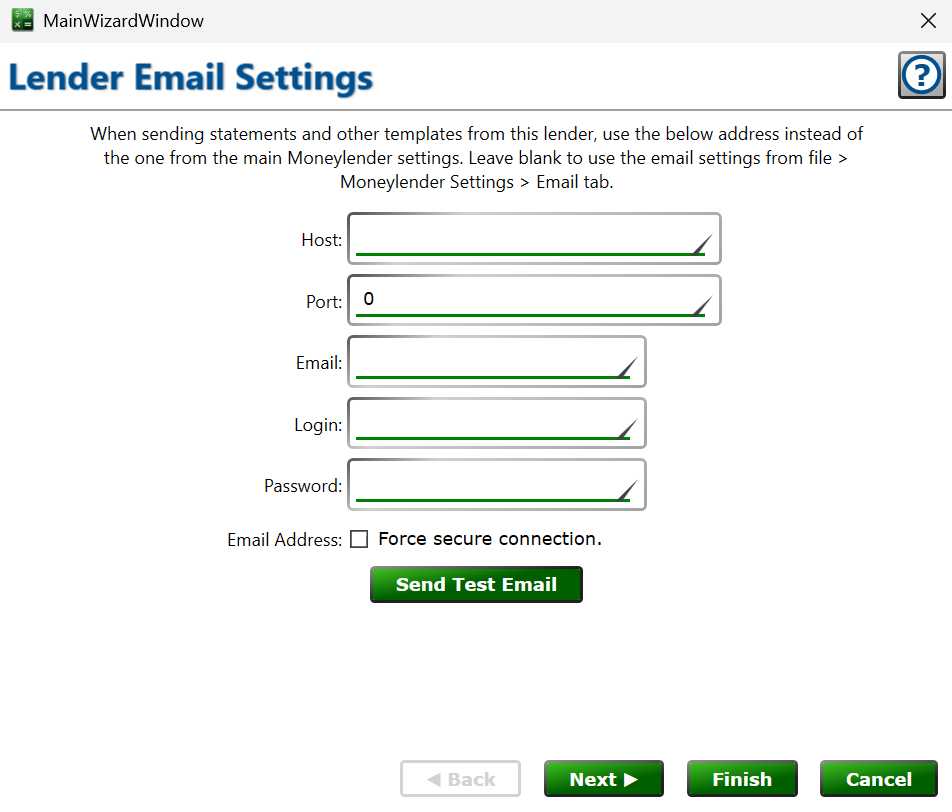
Use these fields to tell Moneylender how to log into this lender's email account when sending statements and letters to loans where this lender is the primary/servicing lender on the loan. These fields allow you to have Moneylender sending emails from different email addresses and accounts, regardless of the main email settings under File > Moneylender Settings.
💯 Force secure connection – check the box to require an encrypted (SSL/TLS) connection to the mail server; most providers require this.
💯 Send Test Email – click to have Moneylender try the settings immediately. You'll see a message confirming the send or describing the problem, and you can check the account's inbox for the test message.
How to fill out this form for most of the common email service providers.