
Default Values for New Records
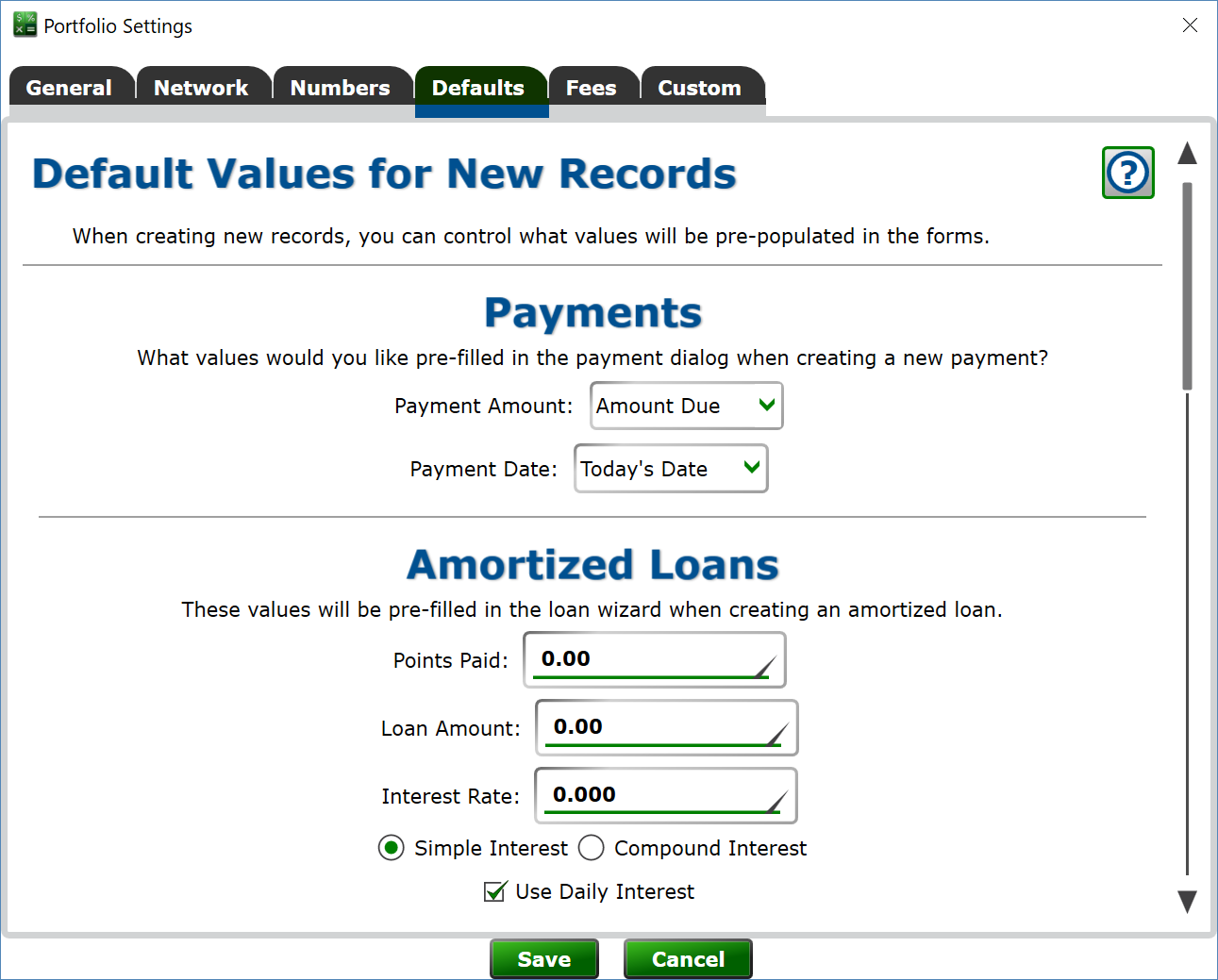
You can specify the values that will be pre-filled in the Loan Wizard when creating a new loan on the Defaults tab.
Each loan type has its own default settings. Setting up the defaults on your portfolio can save you time and eliminate errors when making new loans.
A good rule of thumb is to set up a loan or two, and then you'll know what you want to put in each of the boxes. The boxes are labeled the same on the defaults page as on the loan wizard.
The Payments section at the top sets what is pre-filled in the payment window when recording a new payment: the Payment Amount (such as the amount due or the regular payment), the Payment Date, and the Payment Type.