
Portfolio Network Settings
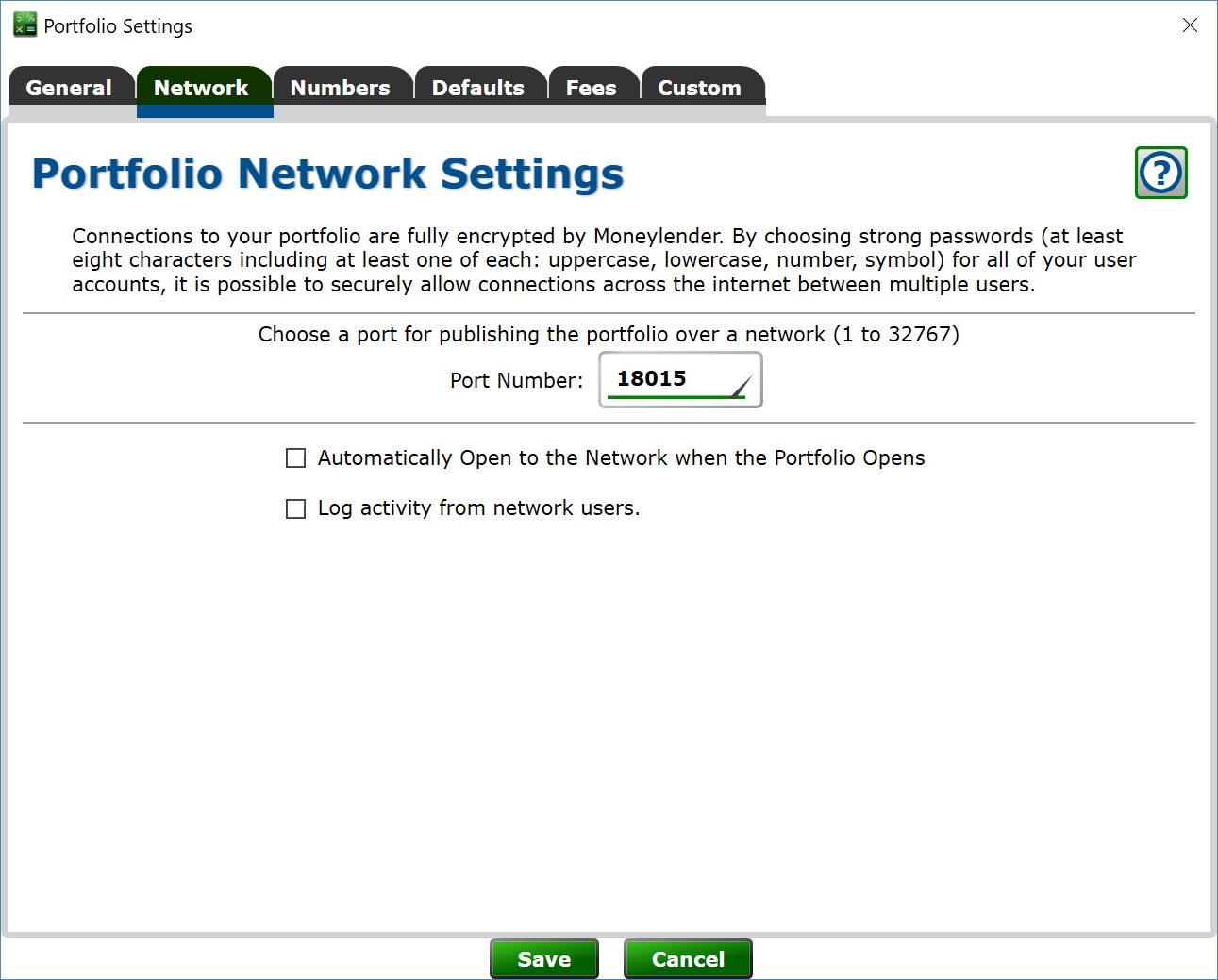
You can open your portfolio to the network and allow other computers running Moneylender to connect and work with your loan data. Computers allow programs to specify the port they use so programs can tell if network data is meant for them or not. Moneylender uses port 18015 by default. If you want one computer to host multiple portfolios, give each portfolio a different port number.
Automatically open to the network - when checked, as soon as the portfolio file is opened it will be made available on the network for other users to connect.
Log activity from network users - when checked, every record a network user adds, changes or deletes is written to a daily log file. Each line records the time, the user's name and login, whether the record was written or deleted, the type of record, the loan's account number, and a short description of the record (a payment's date and amount, a borrower's name, and so on). The files are named by date and kept in a network log folder inside the Default Portfolio Folder. Changes made directly on the computer hosting the portfolio are not logged.
Retain logs for N days - older log files are removed automatically; the default keeps 90 days. Portfolios hosted by Whitman Tech always keep the log for 14 days.
Enable API Access - check the box to turn on Moneylender's API for this portfolio. Moneylender must be run as Administrator when the API is enabled. See Setting up the Moneylender API for the full walkthrough.
API Port - enter the port the API should listen on for HTTPS requests.
Attach Certificate to API Port - click to choose the SSL certificate (from the Windows user or machine certificate store) that will encrypt connections to the API.