Closing Loan - Overview
You get here from the previous step of the loan closing wizard, Loan Balancing.
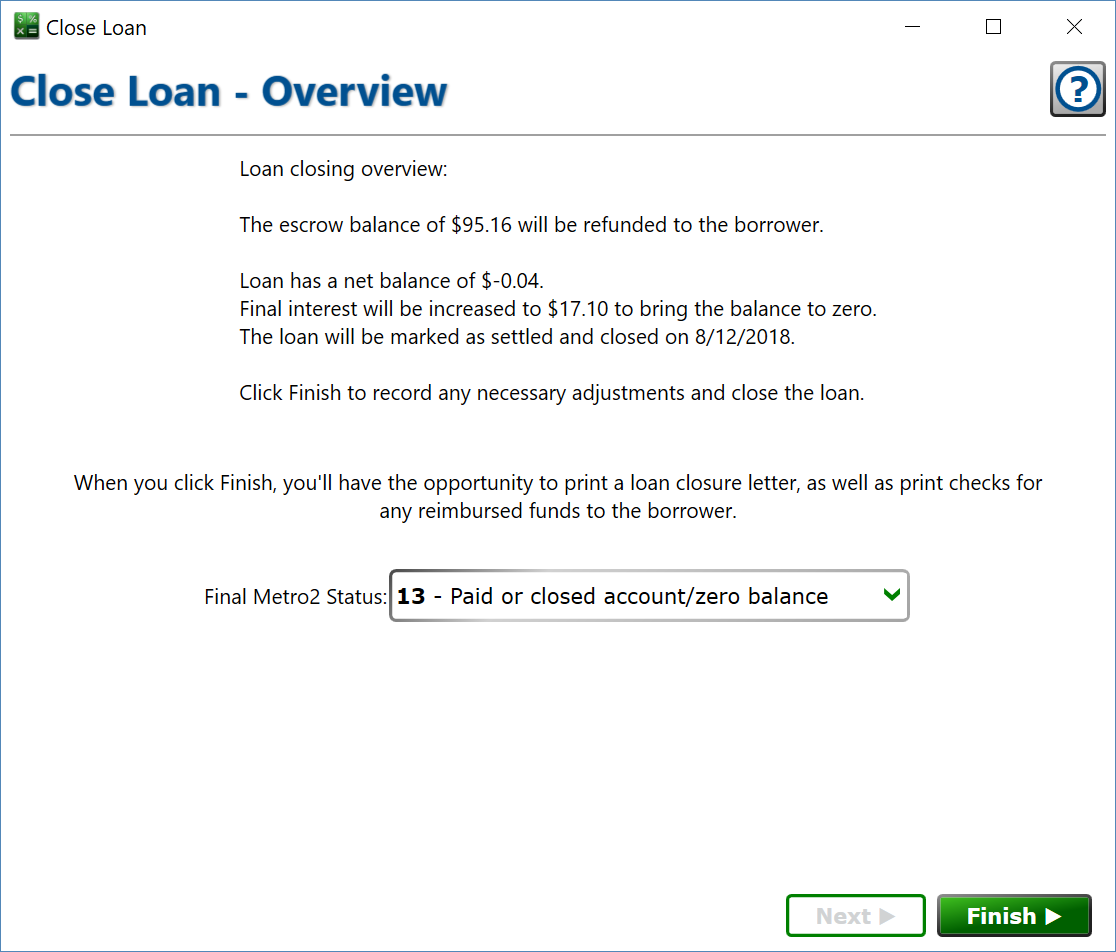
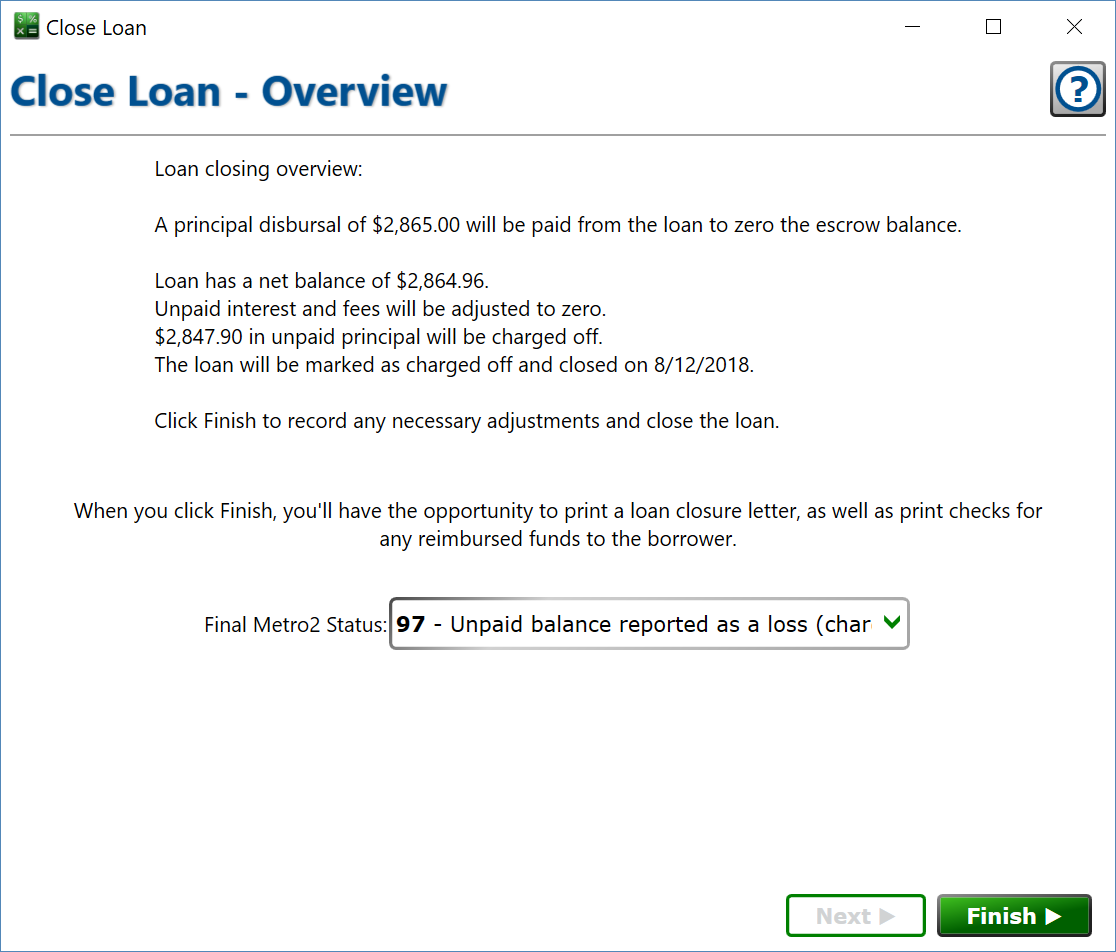
Having determined how the balances are going to be balanced out, Moneylender will present you with an overview of the steps it’s about to take. You can also choose the final status setting on the loan. This status is helpful, even if not reporting to credit bureaus. By default, Moneylender will choose either Satisfied or Charged Off appropriately, and the setting only needs to be changed if special circumstances apply to the loan.
If the loan was created by selling an item from your inventory, an extra checkbox appears: return the item to inventory instead of charging off the loan. Check it and the collateral item will be re-added to Other Records > Inventory, and the unpaid principal on this loan will be used to set the cost basis.
Click to close the loan and do the final steps to close the loan.