
Portfolio Login
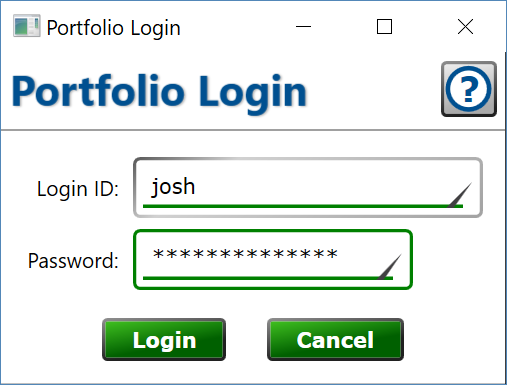
When your copy of Moneylender has successfully connected to the copy of Moneylender running on the host computer, you will be prompted to enter your username and password. You must supply a login id and password to tell the host computer which user account to use for your connection. Login IDs and passwords are set up in the portfolio on the host computer.
Login ID – the Login ID set on your account in the portfolio.
Password – the password for your account.
Moneylender Online: the browser sign-in page combines this window with the network connection window—choose the host, enter the port, and type the same Login ID and password you would use here. A Recent portfolios list remembers the connections you've used from that browser: click an entry to fill in the host and port, or click its X to forget it.