
Manage Lenders
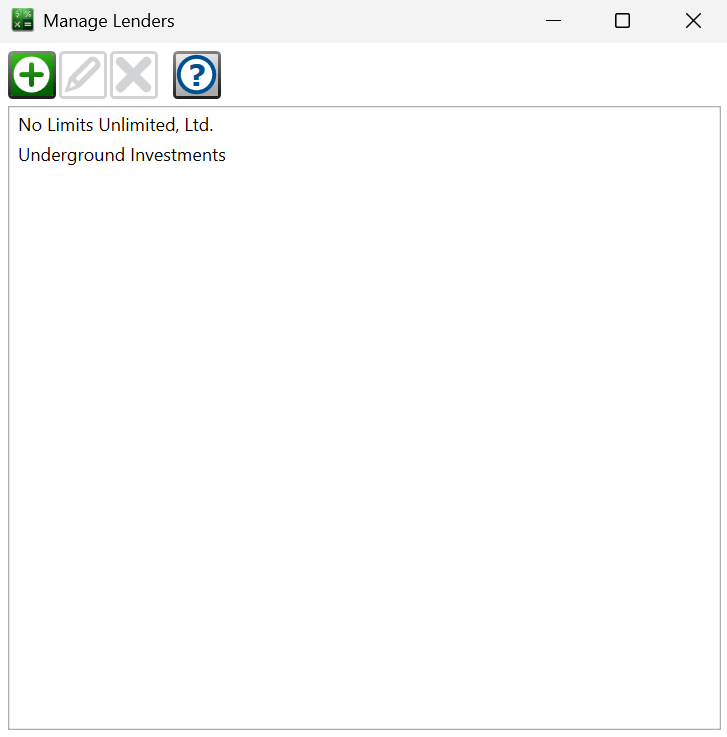
Find this window from the main menu – Other Records > Lenders. The same window opens as a lender picker when choosing the lender for a loan, a Metro2 report, or an import.
This window lists every lender in the portfolio.
 Create New – opens the Lender Wizard to add a new lender to the portfolio.
 Edit Selected – opens the Lender Wizard on the selected lender so you can update its information.
 Delete Selected – after a confirmation, permanently deletes the lender. A lender that is connected to any loan can't be deleted.
When the window opens as a picker, highlight the lender and click (or just double-click the lender) to use it.
See also: Lender Company Info, Lender Settings