
Delete Payments Between Dates
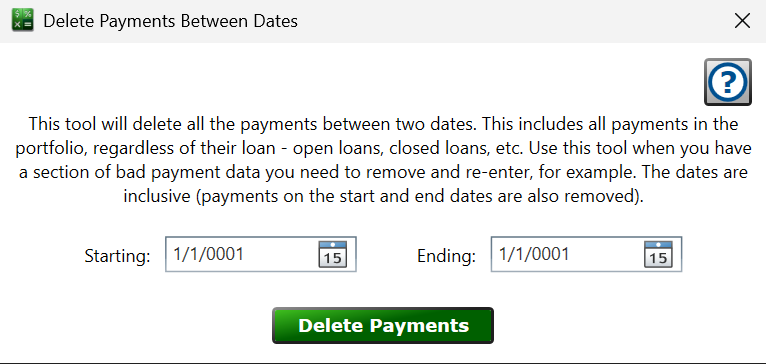
Find this window from the main menu – Tools > Delete Payments between Dates.
This tool deletes every payment in the portfolio whose date falls between two dates—all loans, open or closed, regardless of what is selected in the main window. Use it when a stretch of bad payment data needs to be removed and re-entered, for example after an import went wrong.
Starting and Ending – the first and last dates of the range. The dates are inclusive: payments on the starting and ending dates are also removed.
Click and, after a confirmation showing how many payments matched, the payments are permanently removed and the affected loans recalculate.
Because this reaches across the entire portfolio, it's a good idea to make a backup first (File > Backup Portfolio) so you can get the payments back if the range wasn't what you intended.
See also: Payment, Import Payments from Excel