
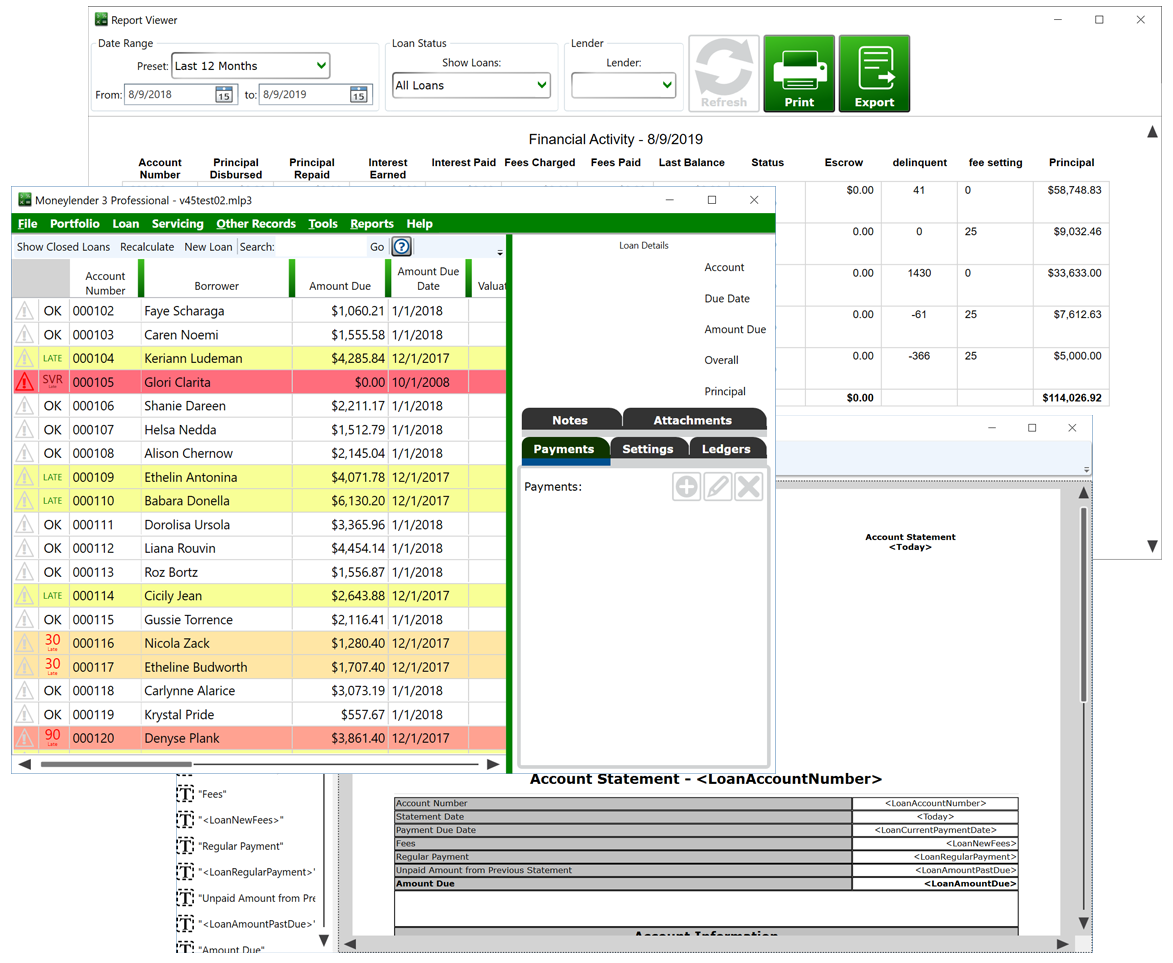
Click For Larger View
This download is Moneylender Desktop, the installed Windows client. As you know, we routinely add fresh features to the software. In the desktop app, if you can click File > Update to Latest Version, that means there’s a new version available for Moneylender. If you can’t click it, that means the last time your Moneylender checked for updates, you already had the latest version.
To manually update your local copy of Moneylender Professional, or if you’re choreographing the installation on several computers and want to pre-download the installer and distribute it where you need it beforehand, click the button below to download the latest installer.
New to Moneylender? Start with the free demo download — the installer runs in demo mode until you activate a license.
Supported Windows Operating Systems:
The short answer: maybe two or three times a year is plenty for most people. More specifically —

“Do us both a favor and grab the latest copy so you don’t get that window anymore and my server isn’t filling up with error logs!”
I keep a log of the changes that roll out in each update. Check it out here: Moneylender 3 Professional Changelog.
“From the first time a customer emailed about the problem it was five hours before I released a patched version that worked around Microsoft’s change.”
I keep copies of the older installers on the server and I can give you a download link to a previous version if necessary. You should call the support number. I really want to hear about the problem so I can fix it immediately. I’ll be happy to get you a link to the version you need while I work on a fix and then email you when I’ve released a patch. For example, a change Microsoft made in one of its updates broke the ability to print statements for some users in August 2026. From the first time a customer emailed about the problem it was five hours before I released a patched version that worked around Microsoft’s change.
A few years back, in an enterprise environment, one of the clients wasn’t able to connect to the host, but the rest of the clients were. Reverting to an earlier version didn’t fix it, and we eventually discovered that the hosting port number was changed at some point, and the problem client was still looking at the old port number. It never hurts to get a second set of eyes on the problem.
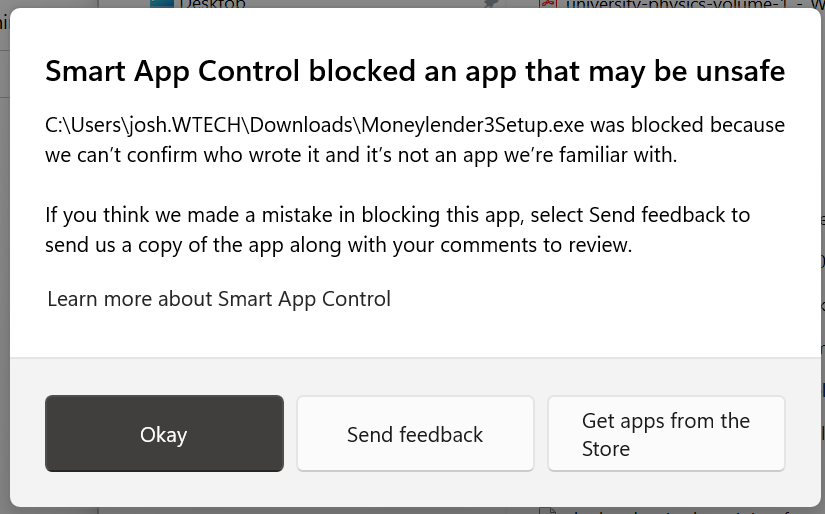
On some Windows 11 PCs, Smart App Control may block Moneylender3Setup.exe with a message that says “Smart App Control blocked an app that may be unsafe.” Moneylender is safe to install — this happens only because Smart App Control does not yet recognize the installer. To install Moneylender, turn Smart App Control off:
Prefer working in a browser? Compare Moneylender Desktop and Moneylender Online.